
INI Transfer
Send large files and stay in control — password-protected links, granular expiration and download limits, real-time delivery insight, and chunked resumable uploads built for scale.
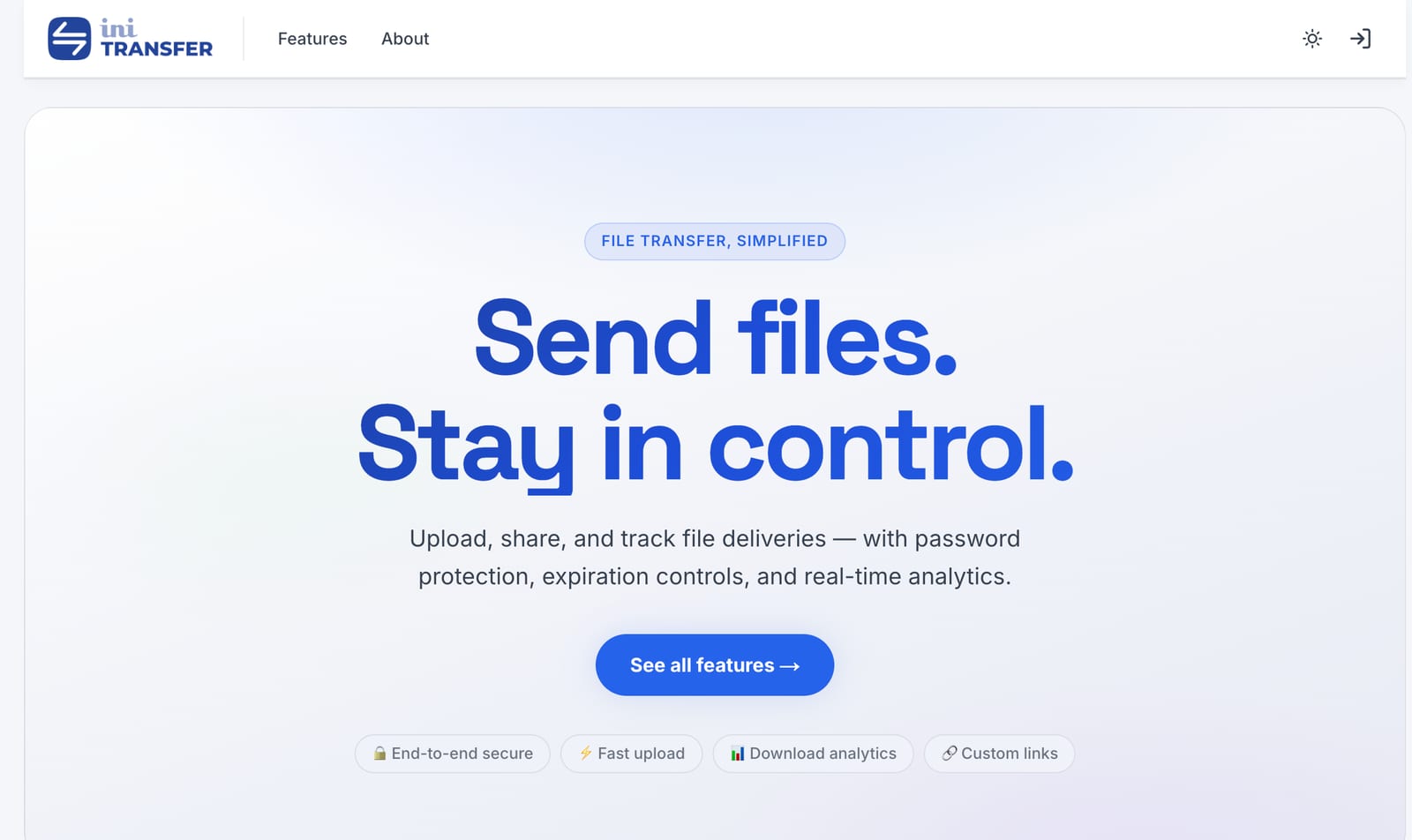
Problem it solves
Teams need a fast way to share large files without losing visibility into who downloaded what, or sacrificing security controls. Email attachments fail at scale; consumer file-sharing tools lack granular control, audit, and integration.
Who it is for
Agencies, internal IT, and anyone sending sensitive or large files to clients and partners who need delivery they can audit.
Features
What's inside.
7 capabilities across the product.
- Email or custom-link transfers with one-click downloads for recipients
- Password protection, download limits, and expiration controls on every link
- Real-time analytics: downloads, views, viewer engagement, and delivery timing
- Resumable chunked uploads for large files — no timeouts, no lost progress
- Webhook integration for automation and third-party workflows
- In-browser previews for supported file types
- End-to-end focus on secure, accountable delivery
Questions
Common questions.
Is INI Transfer a cloud file host?
No. It is a focused delivery product — upload, share, control access, and see analytics — not generic storage. Files are scoped to transfers, not persistent cloud drives.
Can I protect links?
Yes. Passwords, expirations, and download caps on every link keep deliveries under your policy. You set the rules per transfer.
Does it handle very large files?
Yes. Uploads are chunked and resumable, so big transfers keep going through network interruptions without losing progress or timing out.
Can I integrate it with my existing tools?
Yes. Webhooks fire on key events — upload complete, download, link expired — so you can trigger your own automations or plug INI Transfer into existing workflows.